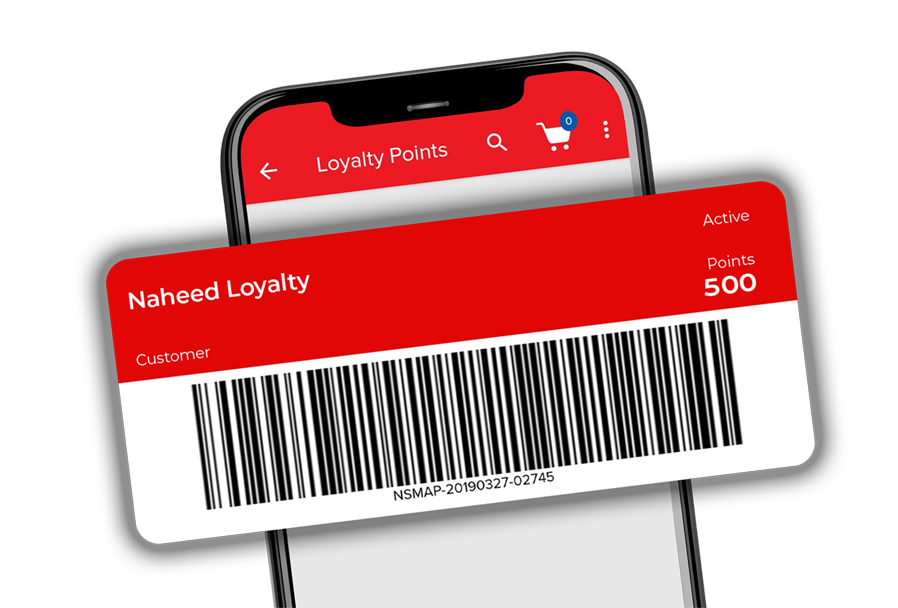









Naheed Loyalty Program
Naheed
Loyalty
Program



How to
Register
Naheed Loyalty
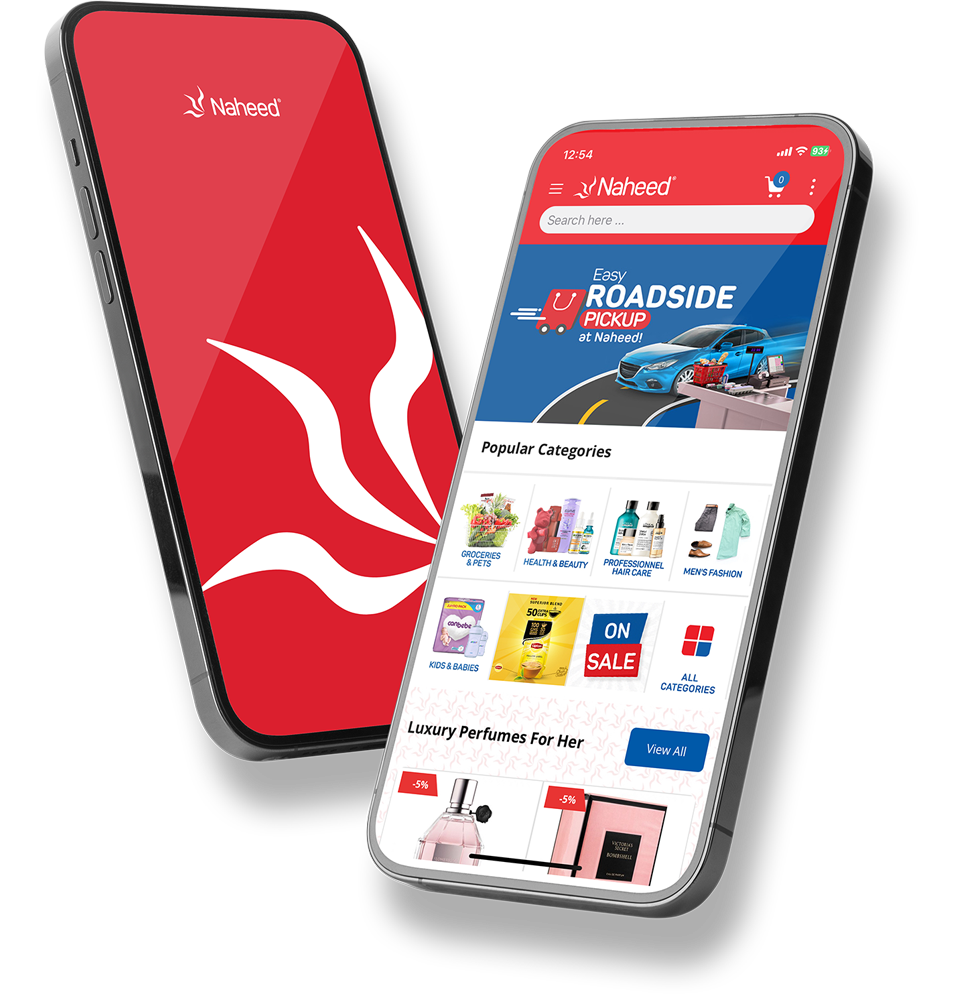
Just create an account at Naheed.pk. Once completed, you will be automatically registered for Naheed Loyalty.
How to use
Loyalty Points Online?
Log in to Naheed.pk with your loyalty-registered mobile number to start using your points. If you don’t have an account, create one using the same registered number.
How to add
Naheed Loyalty
Card to

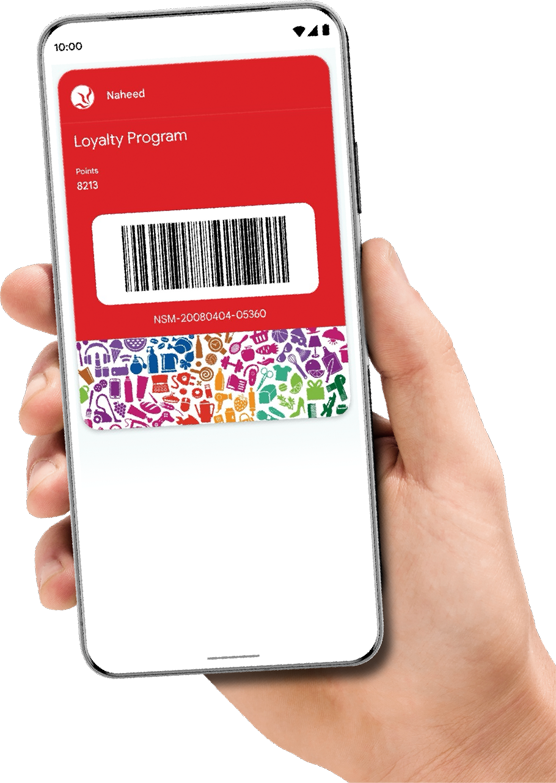
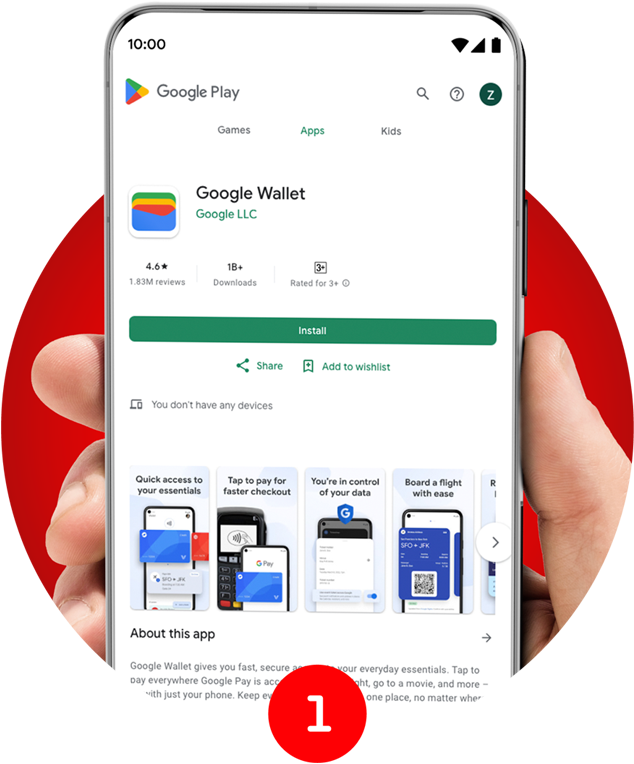
Download the Google Wallet app (if you haven't already)
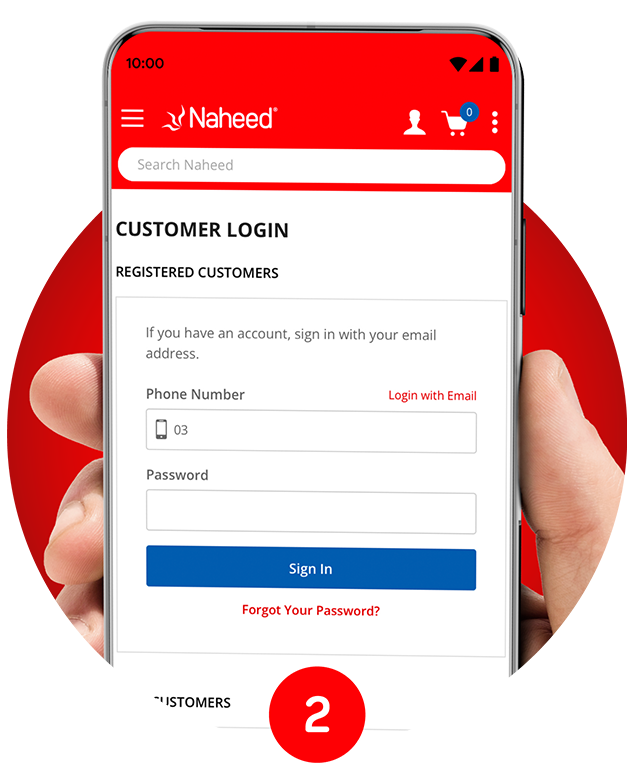
Log in to Naheed.pk website
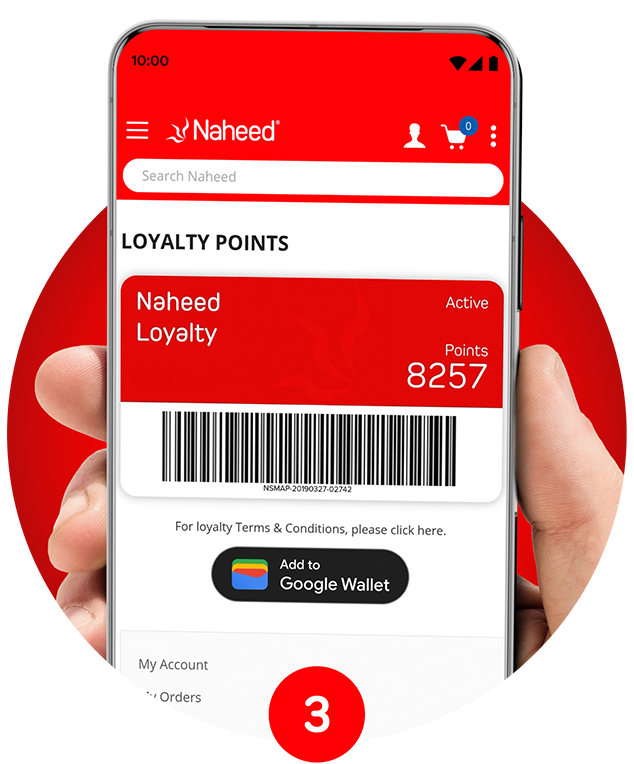
Go to Loyalty Points in the My Account section
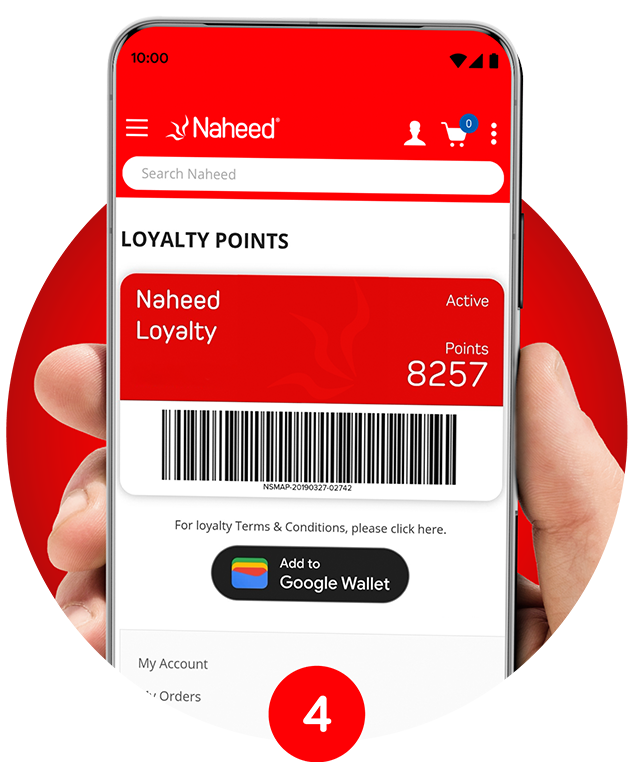
Download the Google Wallet app (if you haven't already)
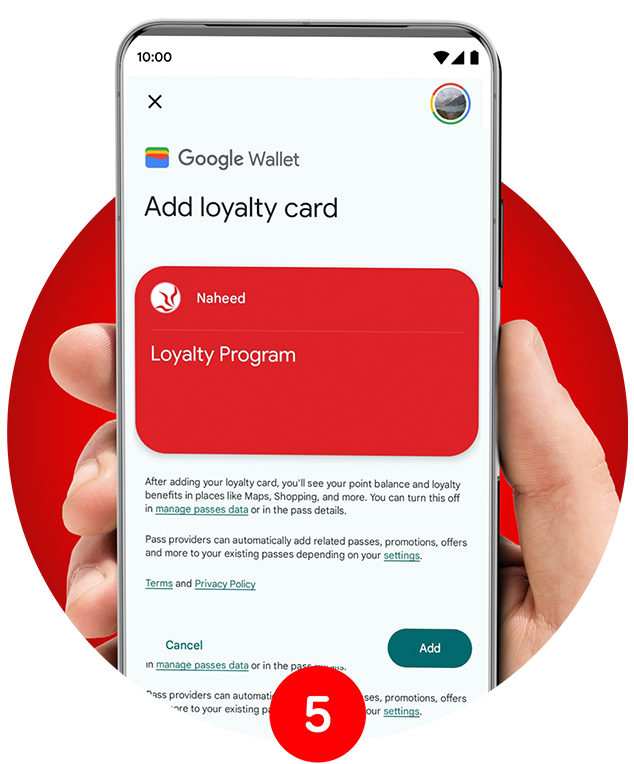
You'll be redirected to Google Wallet— click Add to confirm
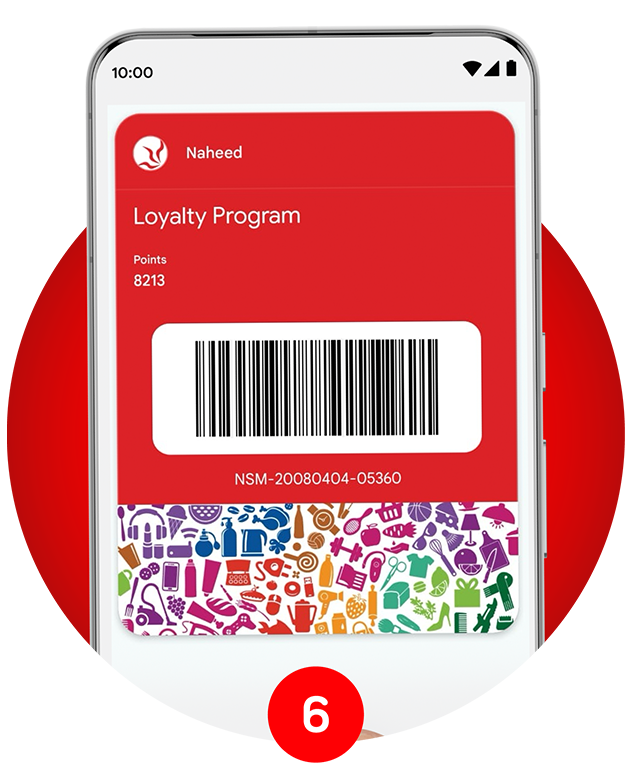
Redeem your points at in-store checkout using the Google Wallet app
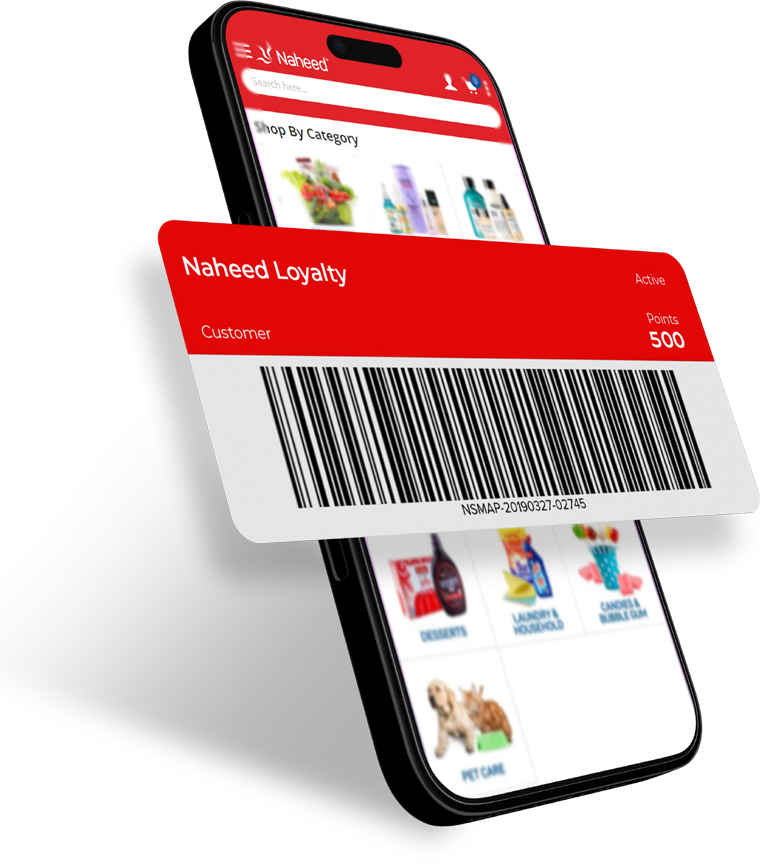
EARNING & REDEEMING POINTS
-
1 Loyalty Point per Rs. 100 spent
(excluding shipping charges). -
1 Point = Rs. 1
when redeemed.
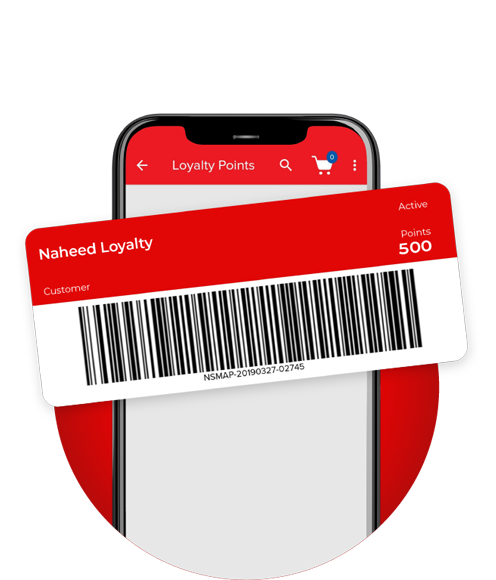
CHECKING LOYALTY POINTS
Log in to Naheed go to My Account → Loyalty Points
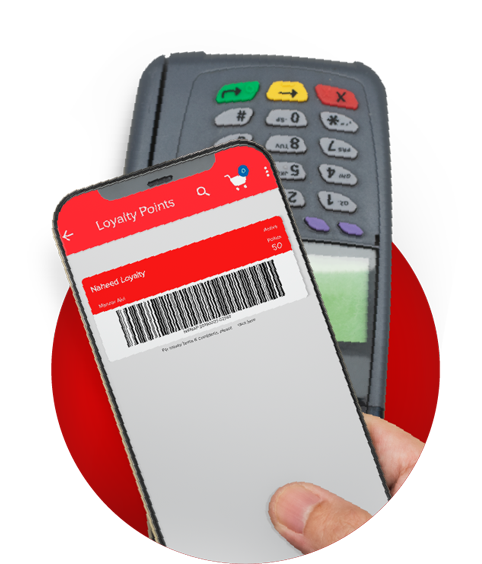
USING POINTS AT NAHEED SUPERMARKET?
Yes! Points can be earned and redeemed both online and in-store.
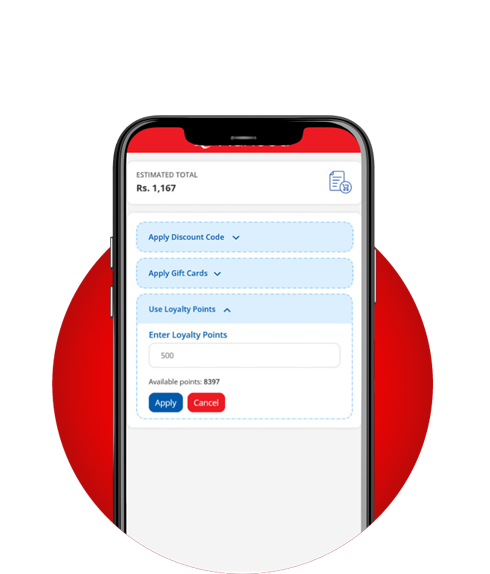
REDEEMING POINTS ONLINE
At checkout, select the option to redeem your loyalty points.
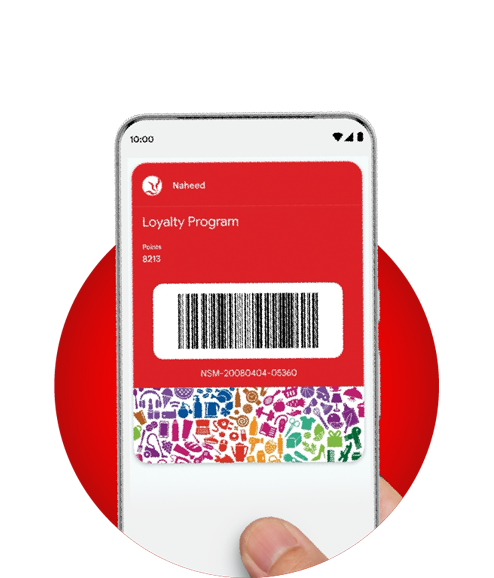
Redeem your points via the Google Wallet In-store, use your Google Wallet app to redeem points.
MISSING
LOYALTY POINTS?
- Ensure you were logged in while placing the order.
- Guest checkout orders are not eligible.
- Points are added once the order is marked complete.
- Always present your loyalty card or app to the in-store representative at checkout. If you forget, please contact the help desk to have your loyalty points added to your bill.

DIFFERENT
MOBILE NUMBER
FOR DELIVERY?
Yes, as long as you were logged in while placing the order.
OTP ISSUES?
Call our helpline
(021) 111-624-333
from your registered number
for verification assistance.